
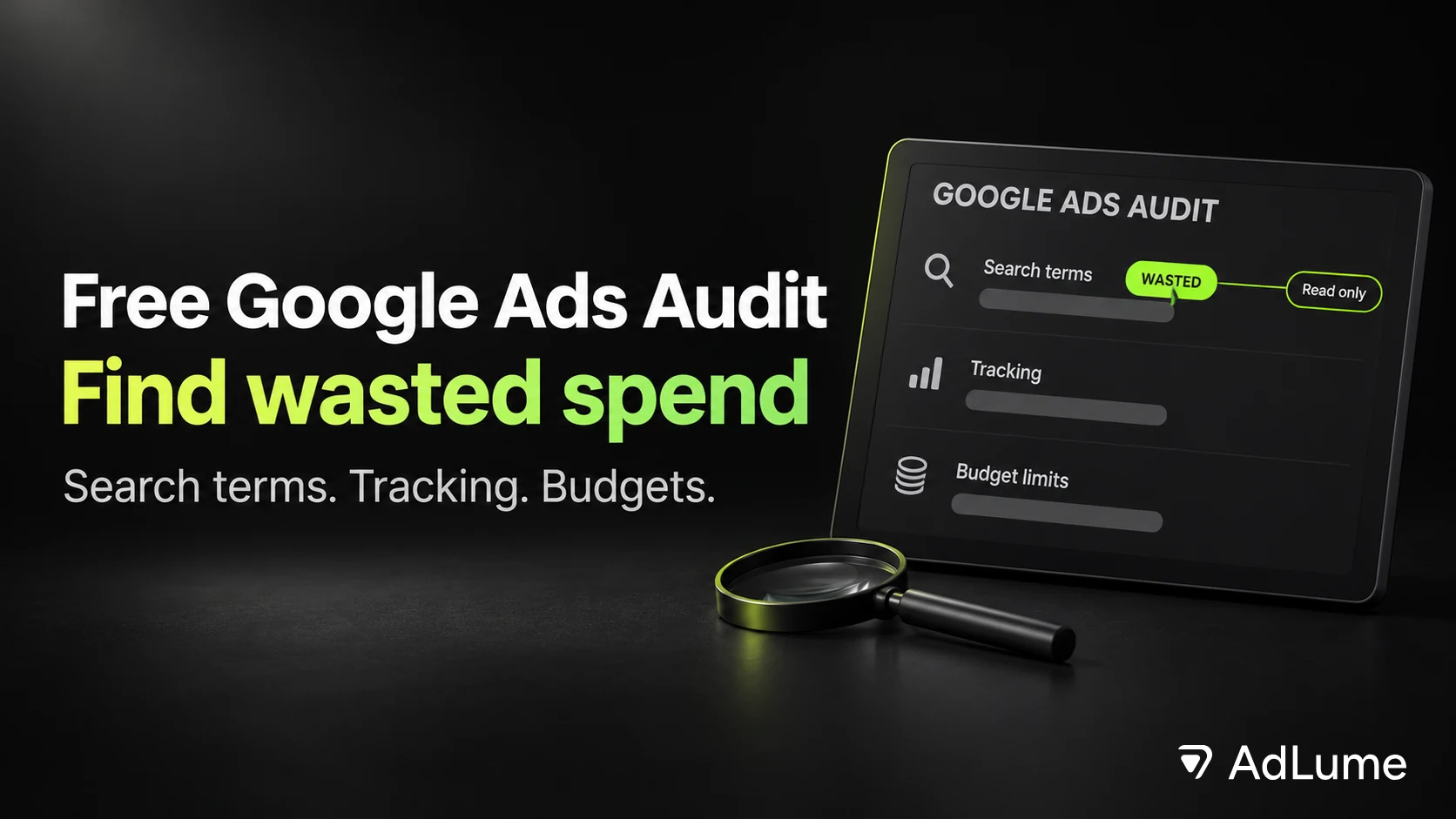
Key takeaways
- Wasted spend sits in several places, not one.
- A confirmed figure and an estimate are different things. Keep them apart.
- Missing tracking hides waste. It does not remove it.
- A finding is only useful with its evidence.
- The free audit reads your account and changes nothing.
Ongoing account work
All the account data in. One decision out.
- Optimizes the connected account every day
- Brings the next move to Slack
- Executes only what you approve
Try Lumy for a week for $10, with a 30-day money-back guarantee.
 Search terms
 Ad sets
 Conversions

Where wasted spend hides
Open a Google Ads account and the waste is not in a report called “waste”. It is spread across the account.
Search terms are the first place. Your keywords match queries you never planned for. Some of them spend money and never convert.
Measurement is the second. If conversion tracking is broken or missing, the account looks fine and you cannot tell. Spend with no tracking is spend you cannot judge.
Budget is the third. Money goes to campaigns that are limited by budget while others stay flat for no reason you wrote down.
Targeting and campaign performance come next. Each of these is a place to look, not a verdict.
Confirmed waste and an estimate are not the same number
Say a campaign spent money on search terms that never converted in the period you read. That is a lower bound. You saw the spend and you saw the missing result.
Now say you think a better setup could win back some of it. That is an estimate. It rests on assumptions about what would have happened.
Mixing the two gives a number that sounds firm and is not.
A good audit keeps them in separate lines with separate labels. Lumy shows four:
- Spend in the analysed window.
- Confirmed wasted spend, as a lower bound.
- Budget affected by detected issues. Not all of it is lost.
- Potential savings, as an estimate. It is not a promise.
Budget affected is the line people misread. Budget that sits near a problem is not money you lost. It is money worth a look.
Read the evidence, not just the total
A total tells you nothing you can act on. You need to know which campaign, which search term, which setting.
Each Lumy finding names what it found and shows the evidence behind it. Some findings are labelled as spend under review. That means “look here”, not “this is gone”.
When data is missing, the audit lists it. A check it could not run is shown as skipped. It does not count as passed.

Ongoing account work
Lumy does the work. You make the call.
- Recurring account reviews instead of one-off prompts
- Evidence stated with every recommendation
Try Lumy for a week for $10, with a 30-day money-back guarantee.
What the free audit does
You enter your email and agree to the audit. You connect your Google Ads account at Google. Lumy reads the account and opens a result page.
Your result page shows a score with its categories, the findings with their evidence, and the four money figures with the assumptions behind them.
This audit only reads. It changes nothing in your account. Google’s consent screen says “manage” because Google Ads has no read-only permission. Lumy revokes access when the audit ends.
Score and money figures are model estimates. If your account has too little data, the audit says that instead of showing a number.
What to do with the result
Start with the findings that come with the clearest evidence. Check each one in your account. Fix what you can confirm.
Treat the estimate as a reason to look, not as a target. Come back to the confirmed figure after you have made changes and read the account again.
If you want Lumy to keep watching the account, the result page has a button for that. It is optional.
You can run the audit once now and decide later.


Tymon Sosnowski & Kacper Czapski
Incubation Program Coordinators
Innovations Hub Foundation
“AdLume's support, both in strategy and in running the ads, played an important part in our record recruitment. We would gladly work with AdLume again.”
- leads from Meta and Google
- 200+
- average cost per lead
- $2.68
- of paid ads with Lumy
- 8 weeks
 Google Ads