
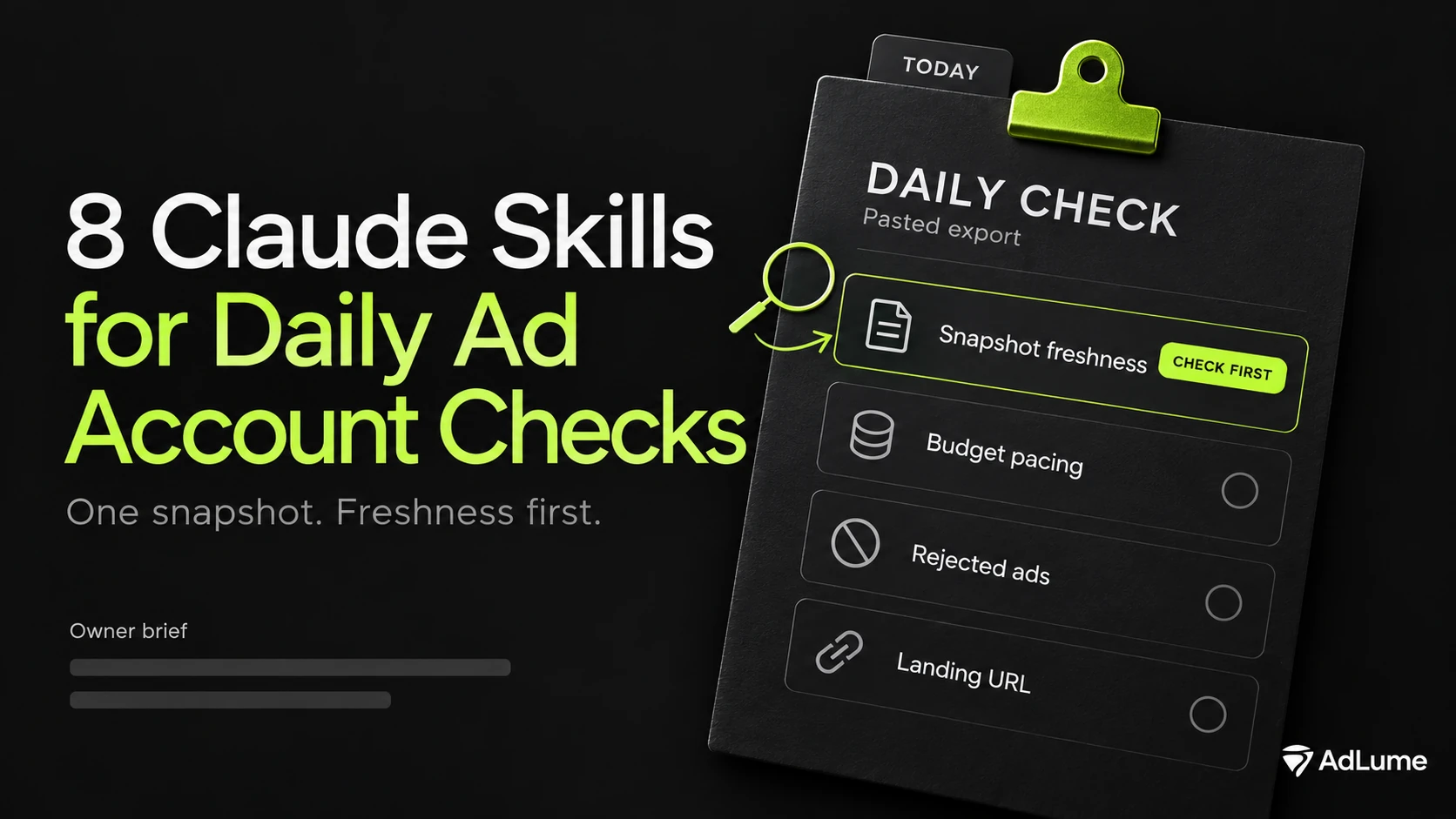
The pack contains eight skills for Claude Code, plus a standard-library Python helper. It needs Python 3.9 or newer.
Key takeaways
- Eight skills: seven checks and one final synthesis. Freshness, pacing, spend anomaly, conversion signal, rejected ads, landing URL evidence, fix priority and the owner brief.
- Run freshness first. A snapshot that is not fresh makes everything after it provisional.
- A small helper does every calculation. It rejects incomplete or invalid data and never turns a missing value into zero.
- Thresholds live in one register. Skills cite them by ID.
- The owner brief headline cannot read a gap as an all clear. “Cannot confirm clear” is a possible result.
- Every skill prepares a decision. Changing a budget, pausing an ad or fixing a page stays with a named person.
Situations these skills are for
Use these skills when you need to check the freshness of an export, read budget pacing, investigate a spend change, account for conversion lag or organise supplied delivery findings. A snapshot is evidence for that run, not a live view between runs.
Which skill first
Run freshness first, always. After that, pick by what worries you.
- You do not trust the export. Snapshot Freshness Check.
- The month feels expensive. Budget Pacing Check.
- One day looked odd. Spend Anomaly Check.
- Leads or sales fell. Conversion Signal Check.
- An ad stopped serving. Rejected Ads Check.
- Clicks arrive and nothing converts. Landing URL Check.
- Several things flagged. Fix Priority Ranker, then Daily Owner Brief.
The eight skills
1. Snapshot Freshness Check
Decision. Whether this snapshot is recent and complete enough to read.
It compares the export time and the last date in your data with the last completed day in the account time zone. A partial day or a stale export gives “not fresh”, and every later result is marked provisional.
Outside its job. It does not refresh data and cannot tell if the export itself is wrong.
2. Budget Pacing Check
Decision. Whether spend is on pace for the budget and the period.
It counts completed days, builds the straight-line expectation, and reports pace, a projection and the daily figure that would fit the budget. On Google Ads it cites Google’s guidance that one high day alone is not an overspend.
Outside its job. It does not tell you to change a budget.
3. Spend Anomaly Check
Decision. Whether one day moved far enough from its usual level to look into.
It compares the target day with the median of earlier same-weekday days, or with a baseline you supply. You set the smallest change that matters, and you say whether a change was documented.
Outside its job. It does not name a cause. It lists hypotheses and the data that settles each.
4. Conversion Signal Check
Decision. Whether a conversion drop needs verification today.
It compares two fully matured windows and leaves out the days still inside your reporting lag. A small base returns “directional only”. A drop with stable clicks points to tracking or the path after the click. A drop with falling clicks points to traffic.
Outside its job. It does not claim a tag is broken. It says what to verify first.
5. Rejected Ads Check
Decision. How much spend sits on blocked, limited or under-review ads.
It maps each status word to a class, sums spend per class over a fixed window, and reports blocked spend per day. A status word it does not recognise stops the check and is named.
Outside its job. Blocked spend is a size indicator, not a measure of loss.
6. Landing URL Check
Decision. Whether the evidence you collected shows errors, redirects to another host or stale pages.
It reads status codes, final URLs and check times that you supply. It does not open a page itself.
Outside its job. It cannot see a broken form behind a page that loads. A person has to test that.
7. Fix Priority Ranker
Decision. What goes on today’s list, what waits and what needs data first.
Class decides the tier. Exposure per day orders items inside a tier. A short list of fixes for today is the limit, and the rest is a queue. Items that could not be assessed become data requests with an owner.
Outside its job. It does not decide for you. The owner chooses what moves.
8. Daily Owner Brief
Decision. What the owner reads in one screen.
It collects the six statuses, sets one headline and writes the brief: attention, do today, queue, data requests and what was not checked. The headline is computed by the helper, so a gap cannot read as an all clear.
Outside its job. It makes no promise about tomorrow. Each run is one snapshot.
Chaining the skills
Full morning run. Freshness, pacing, spend anomaly, conversion signal, rejected ads, landing URL, fix priority, owner brief.
Spend looks wrong. Freshness, pacing, spend anomaly, then the brief.
Leads fell. Freshness, conversion signal, landing URL, rejected ads, then fix priority.
How these skills fail
- The export is stale or has a missing day. The helper stops and names the gap.
- A status word is new. The check says it cannot assess and names the word to classify.
- Evidence is old. Landing rows older than the freshness limit are reported as stale.
- Too many items flag at once. The ranker keeps the do-today list short and queues the rest.
How to use
Paste a prompt from the copy-paste prompts file, then paste your export under it. Each skill lists its required columns. If something is missing, the skill says so and does not guess.
Install
Extract the pack, then open a terminal inside its extracted root directory. Run:
bash scripts/install.sh ~/.claude/skills
bash scripts/verify_install.sh 8
The installer copies the eight skill folders and one shared folder. It never overwrites: if a folder with the same name exists, it stops and changes nothing. The verifier installs into a temporary folder, counts the skills, resolves every shared path, runs the installed validator, self-test and examples, and removes the temporary folder. It checks files and the helper on your machine. It does not run Claude, so a skill is only tested when you run it in your own conversation.
New version of AdLume launching soon
Join the waitlist and get notified when the new AdLume is ready.
One email, on the day access opens. Nothing else, and you can leave the list with one click.
Where this comes from
The decision thresholds are working heuristics, chosen as starting points, not benchmarked rules. The Python helper performs the arithmetic on supplied evidence. Every example uses an invented account.
Skills have not been tested on your account. Run one on a snapshot you know well and compare the output with what you already believe.
FAQ
Which skill should I start with?
Always the Snapshot Freshness Check. If the export is stale or incomplete, every later result is provisional. Then run the checks that match what worries you, and finish with the Daily Owner Brief.
Do these skills connect to my ad accounts?
No. They work from exports you paste in and evidence you collect. Nothing is fetched and nothing is changed in any account.
Is this monitoring?
No. Each run is a check on one snapshot, at the moment you run it. It does not watch an account between runs.
What happens when a number is missing?
The skill marks it. A blank cell, a missing day or an unknown status makes the check say it cannot assess, and the helper stops. Missing is never read as zero, OK or clear.
Do I need Python?
Yes, Python 3.9 or newer, standard library only. A small helper does the arithmetic so the model does not.
Do they work in Claude.ai or Claude Desktop?
The install and checks target a Claude Code skills folder. Uploading the folders to other Claude apps is not covered by those checks.
Where do the thresholds come from?
They are starting heuristics, kept in one register you can edit, except the Google Ads daily budget behavior, which cites Google’s own help page. They have not been benchmarked.